Congratulations — Champagne Pop Congrats Card
Shake, pop the cork, clink a toast
Free to make and preview · $6.99 once to send · no app for them
Not the right one? Help me choose →It opens on a velvet stage, with a bottle on ice under a spotlight and a label bearing their name. They shake it until the fizz climbs, push the cork off with a thumb and watch confetti fire from both corners, then clink two glasses before your note writes itself in. At the end the spotlight swings onto their name to applause. Add one photo and a voice note to make it unmistakably from you.
Perfect if you want to celebrate someone's big news the moment you hear it.
- Champagne bottle labelled with their name
- Your note with photo and voice
- A gold banner for their win
What is the Congratulations gift?
The Congratulations gift: They shake a champagne bottle until it fizzes, thumb the cork off in a burst of confetti and clink two glasses, then read your note before a spotlight finds their name. You can make it in about 2 minutes, it is free to create and preview, and it arrives as a private link that opens on any phone or computer with no app.
- Time to make
- About 2 minutes
- Price
- Free to create and preview. Pay once to send it, or use a GiftFeels Pass.
- Best for
- New jobs, Graduations, Engagements, Promotions
- How they open it
- A private link on any phone, tablet or computer. No app, no sign-up.
- How you send it
- WhatsApp, SMS, email, Instagram DM or any chat app.
- Occasions
- Friendship, Family, Love
Good news deserves a moment, not a thumbs-up. This card opens on a velvet stage with a champagne bottle on ice, its label bearing their name. They shake it until the fizz climbs, push the cork off with a thumb, and confetti fires from both corners as a gold banner names exactly what you're celebrating.
Two glasses fill and clink before your note writes itself in, and at the end a spotlight swings onto their name to applause. It's right for a new job, a graduation, an engagement or a promotion, whether they're across town or across the world.
Why people choose this gift
A celebration they set off
They shake the bottle and thumb the cork off themselves, so the confetti is theirs.
Their win, by name
Add what you're celebrating and a gold banner unfurls with it: “Congrats on the new job!”
Your photo and your voice
Add one photo and it lands beside your note like an instant print, coming into colour as they watch. Record a voice note and they can play it from the card, so they hear it the way you'd say it.
How to make it
Pick who it's for
Choose a partner, friend, family member or anyone. It sets the look: hearts only for someone you love.
Write your note, add a photo and your voice
Use your own words or start from an idea and make it yours. Add one photo and a short voice note if you like; both are optional.
Unlock and send the link
Preview it free, then pay once to unlock it (or use a GiftFeels Pass). Copy the private link and send it on WhatsApp, iMessage or email; they open it on any phone with no app.
Perfect for
- New jobs and promotions
- Graduations and exam results
- Engagements and new homes
- Congratulating a friend on a new job
- Celebrating a sibling's graduation from abroad
- Cheering a partner's promotion
Frequently asked questions
How much does the congratulations card cost?
It's free to create and preview: sign in with Google, no card needed. To send it, you pay once to unlock that note (or use a GiftFeels Pass for every gift); they pay nothing and need no app.
What do they see?
A velvet stage with a champagne bottle on ice under a spotlight, its label bearing their name. They shake it until the fizz climbs, push the cork off with a thumb as confetti fires from both corners, and clink two glasses. After your note, the spotlight swings onto their name to applause.
What should I write in a congratulations message?
Name the achievement, mention the effort you saw behind it, and add one line about what's next, like a celebration plan.
Can I use it for an engagement or new home?
Yes. Type the occasion and it appears on the banner, such as “Congrats on your engagement”.
How long does the link work?
The private link stays live for 90 days from when you make it, and unlocking adds 90 more. Only people you send it to can open it.
You might also love
Similar gifts for the same people and moments.
 Good LuckFind the clover, flip the lucky coin2 minView
 Graduation BookNavy and gold, for the grad.6 minView
 Surprise Reveal BoxBoxes inside boxes, then the curtains.8 minView
 For Someone SpecialA rose they grow and bloom.4 minView
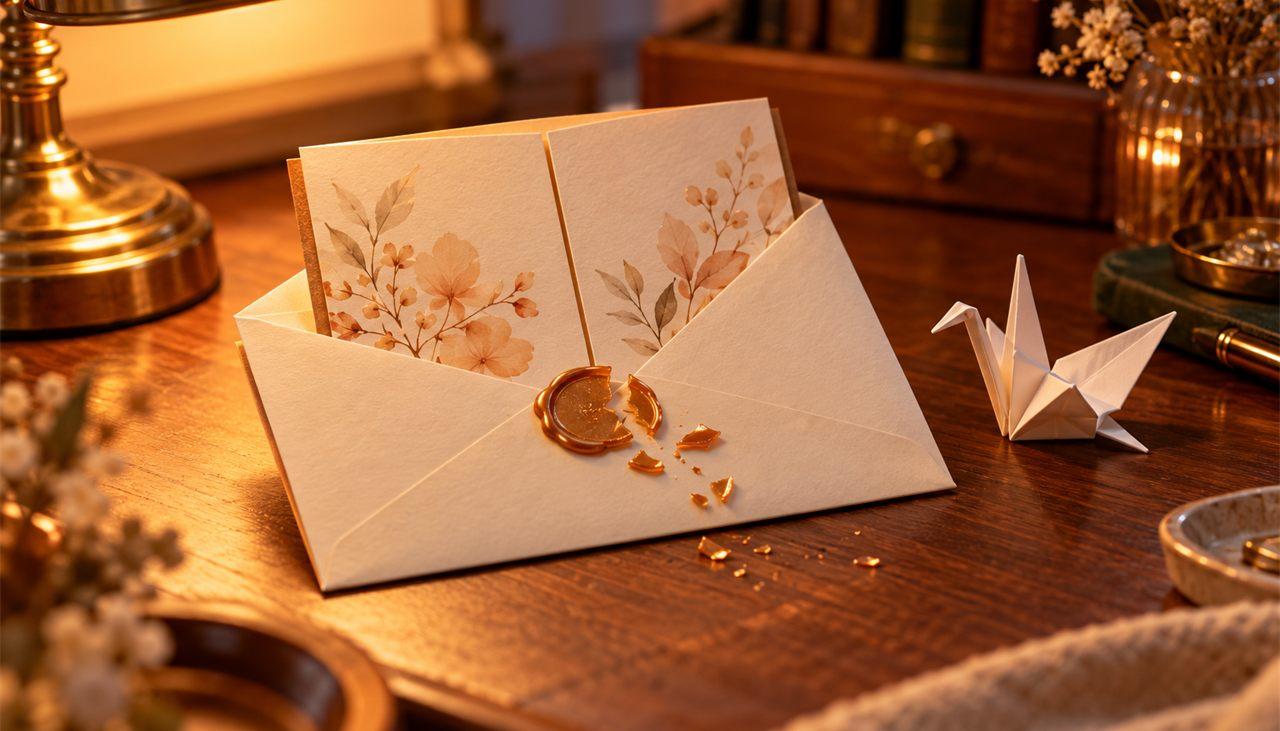 Thank YouBreak a wax seal, open a gatefold card2 minView
 Miss YouSend your light across the night sky2 minView
 Get Well SoonBrew a cup of comfort, then tuck in2 minView
 Thinking of YouLight a lantern and let it rise2 minView